What do you need before setting up an Australian eSIM?
Before you start your trip to Australia, make sure you get an eSIM for Australia. Prior to making a purchase, check that your phone supports eSIM and is carrier-unlocked. If your phone is locked to your usual mobile network, the travel plan may not work.
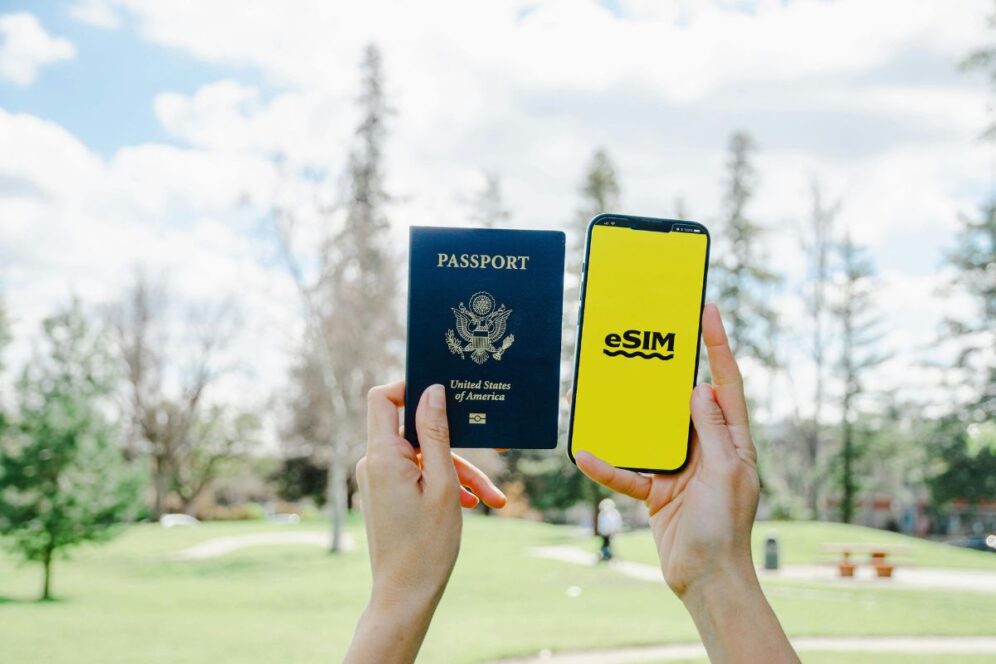
You should also have Wi-Fi or another stable internet connection during setup. Keep your QR code or manual activation details close by, and update your phone software if needed. A quick check now can save time later, especially if you are setting everything up the night before your flight.
How do you set up an eSIM before you fly?
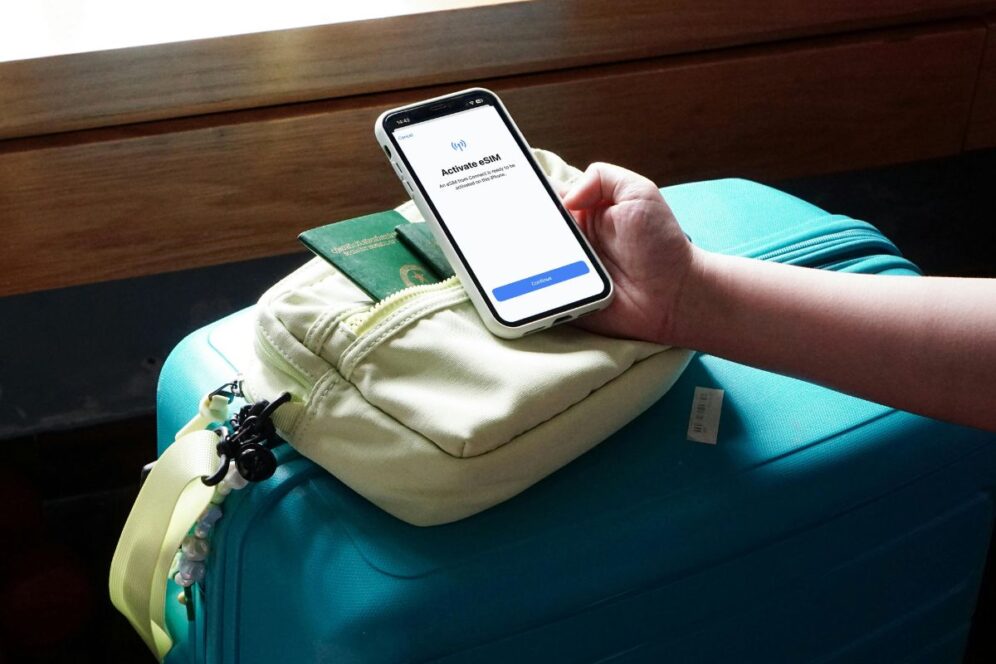
Start by buying your plan and opening the activation email on a second device if you can. That makes it easier to scan the QR code with your phone. Then go to your settings and find the mobile network section. This may appear as Mobile Data, Cellular, or SIM Manager depending on your device. Tap Add eSIM or Add Mobile Plan and scan the QR code. If that fails, enter the details manually. Once the eSIM appears, label it clearly so you can find it later. Something simple like “Australia travel” works well. Then choose that line for mobile data. Before you leave, check that the eSIM is installed properly and visible in your settings. That way, you are not dealing with setup while trying to find your gate or board your flight.
When should you activate your eSIM for Australia travel?
This depends on the provider. Some plans begin only when the eSIM connects to a supported network. Others may begin as soon as installation is complete. Check the activation rules before you scan the code. If the validity starts on the first connection, you can usually install it before departure and let it connect after landing. If the countdown starts right away, it is better to wait until closer to your flight.
What should you do if the setup does not work?
If the QR code does not scan, check your internet connection and try increasing screen brightness on the device showing the code. Manual entry may also work. If the eSIM installs but there is no signal later, make sure that line is active and selected for mobile data. A quick restart often helps. If problems continue, the phone may be locked or not support eSIM.
Why does the internet matter once you arrive?
Having mobile data ready in Australia makes everyday travel easier. You are able to find directions, check in on the hotel, book transport, and even check opening hours without having to go out on the street to find open Wi-Fi. Jetpac also provides an international eSIM with easy option, works in 200+ destinations, features that match the daily travelers needs such as Works in 200+ destinations, Instant QR code activation, prepaid 5G, multi-network switching, unlimited hotspots, voice calls as low as USD 1.99/5 minutes and 24/7 WhatsApp and email support.
Conclusion
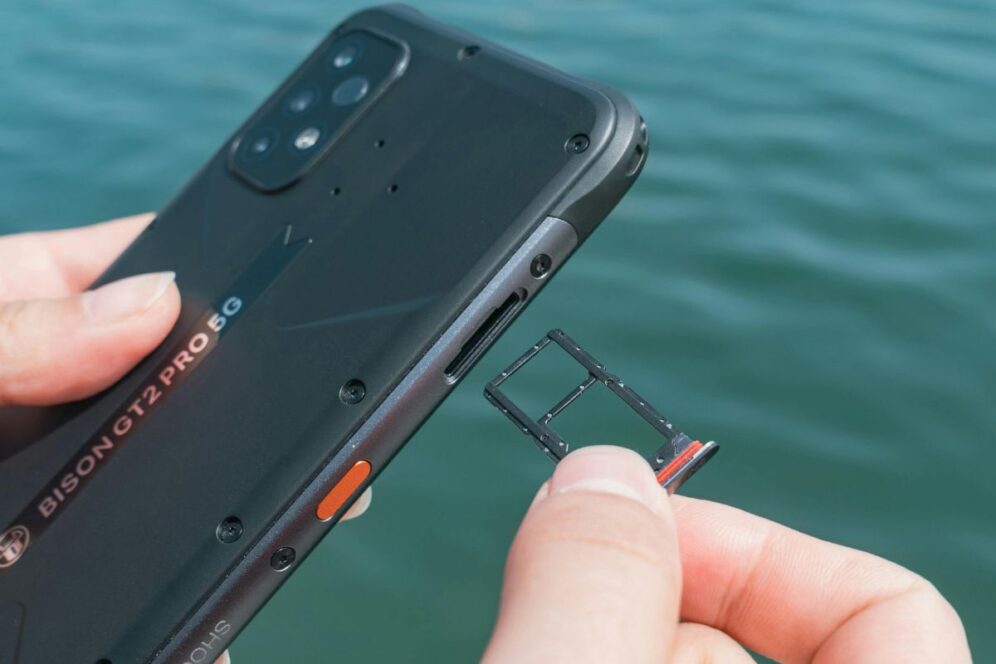
An Australia eSIM is easy to set up before departure when you do the basics first. Check your phone, install the plan carefully, and confirm the correct line is selected for data. Once that is done, you can land and get moving without swapping a physical SIM.



Leave a Reply